 LockDay
LockDay
To-do list & planner on your Lock Screen
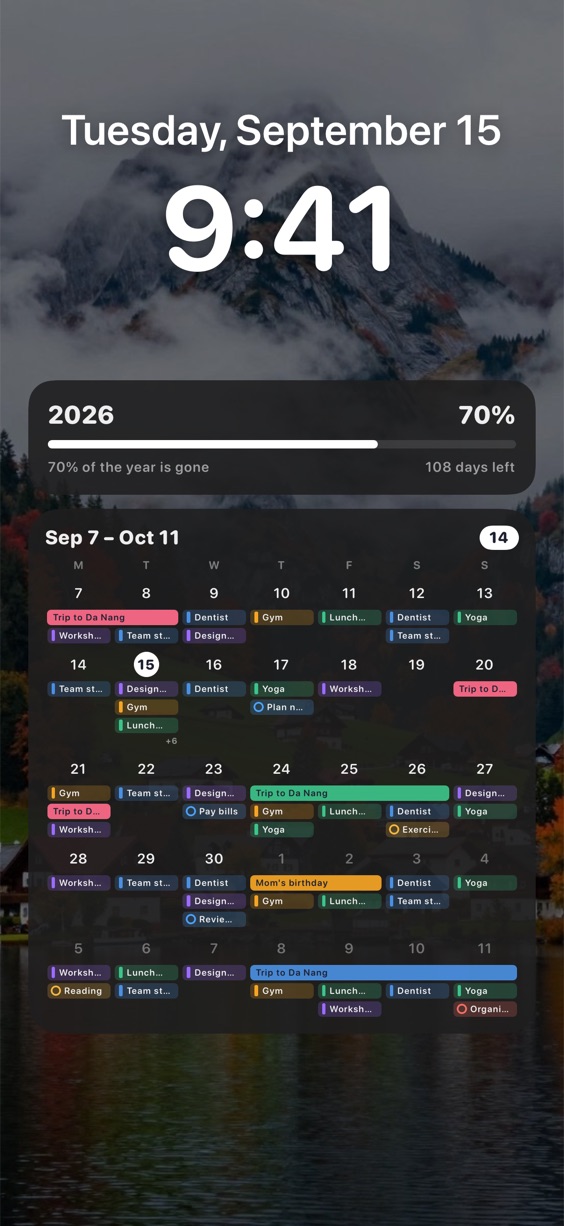
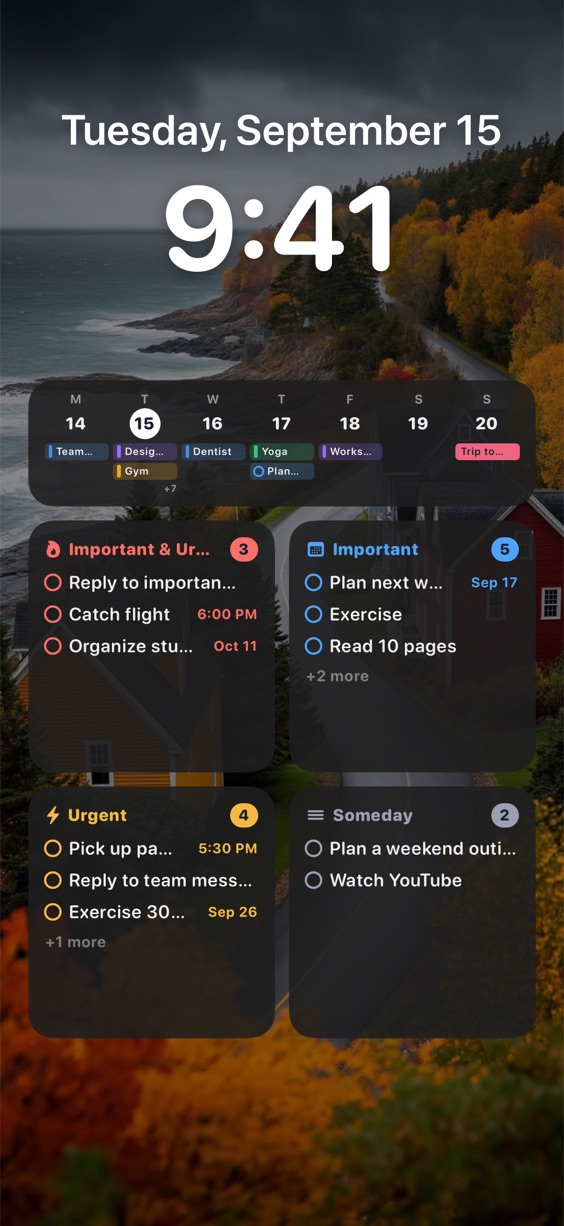
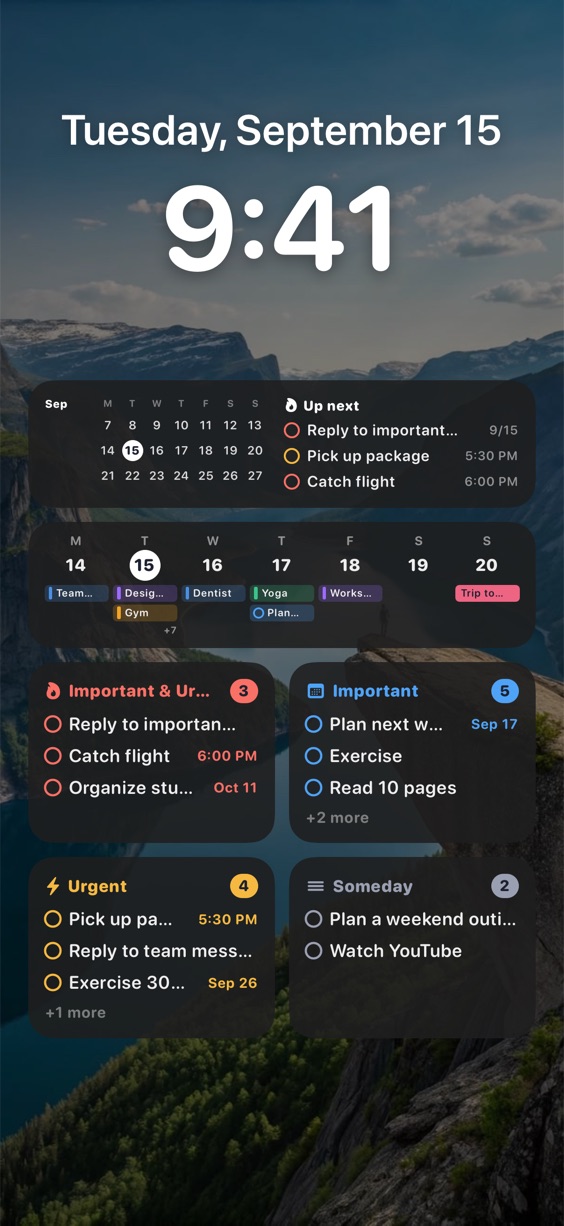
Keep your tasks, calendar and notes where you look most: your iPhone Lock Screen.
Priorities first
Sort tasks by importance and urgency, and keep the ones that matter in view.
Calendar and tasks together
See events from your iPhone calendars right next to your tasks.
Always up to date
Choose a Lock Screen layout you like. After a quick setup, LockDay keeps it current.
Notes and widgets
Pin a note to your Lock Screen, or add LockDay to your Home Screen.